
Control Volume
Without Physical Buttons
Your phone's volume buttons wear out. Assistive Volume Button lets you adjust volume from your screen, effortlessly protecting your hardware.
Downloads
Fully Customizable
More than Volume control
Key Features
Everything you need for complete assistive volume control
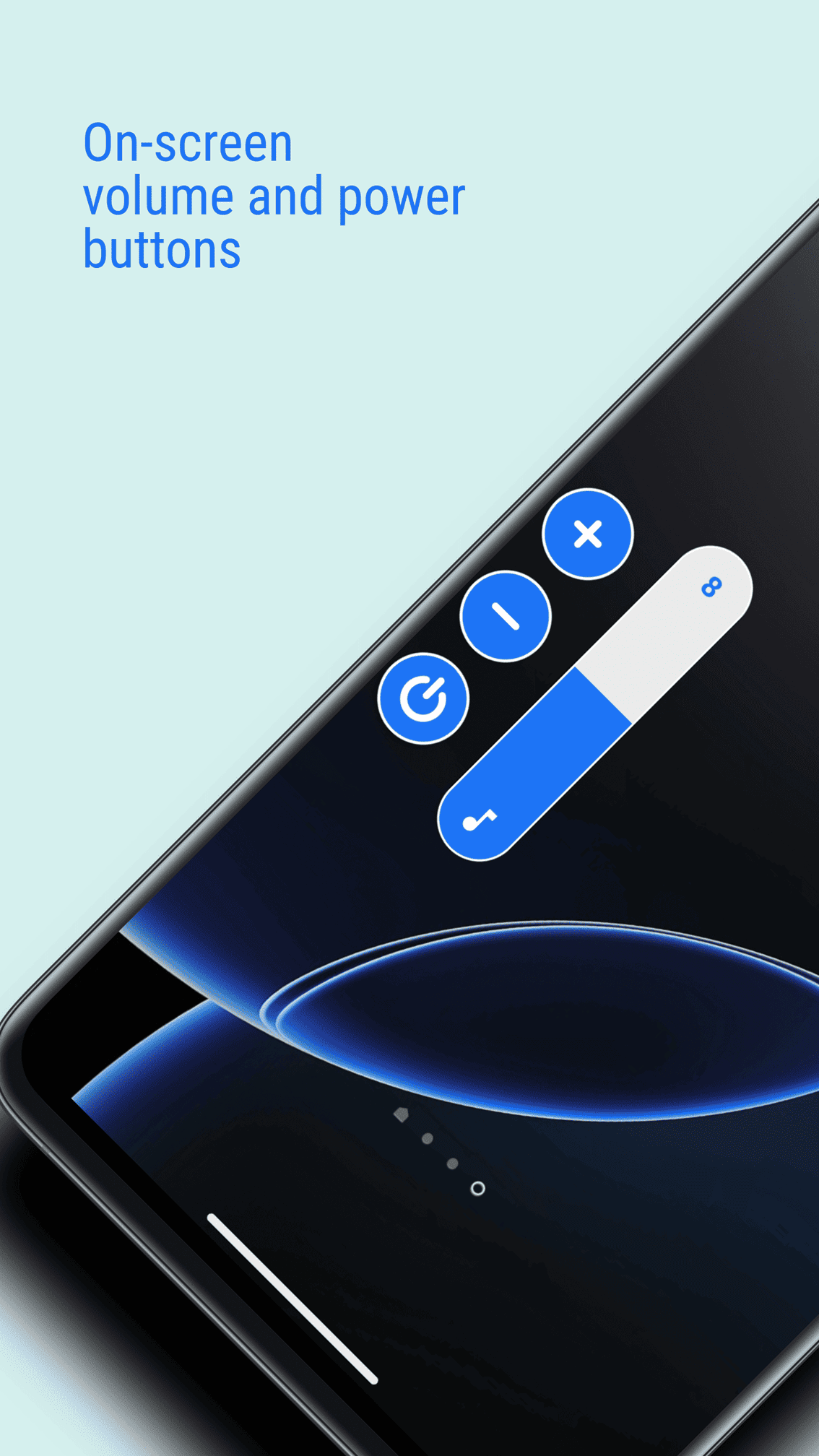
Floating Volume Button
Smooth, always-accessible floating control for instant volume adjustments. Control sound without pressing physical buttons.
Works Anywhere
The volume control appears on top of other apps so you can adjust volume while watching videos, during calls, or gaming.
Fully Customizable
Choose from Android, iOS, MIUI, RGB styles and more. Make it look exactly the way you want with advanced appearance controls.
Easy to Move
Drag the button anywhere on your screen. Adjust position and keep it where it feels most comfortable for one-hand use.
Virtual Power Button
Turn your screen off instantly with a tap. No need to press your physical power key anymore. Perfect for damaged buttons.
Simple Setup
Install, grant permissions, enable the floating button, and you are done. Zero complexity, maximum convenience.
Frequently Asked Questions
Everything you need to know about Assistive Volume Button
Physical volume buttons wear out over time and can become hard to press, unresponsive, or broken. Assistive Volume Button provides a simple on-screen alternative that protects your hardware and extends your device's lifespan.
Why Choose Assistive Volume Button?
Perfect for anyone who wants to protect their device
For Everyone
Users with broken buttons, accessibility needs, or anyone wanting convenient volume control
Device Protection
Reduce hardware wear and tear, extend your device's lifespan, and say goodbye to button replacement costs
Simple & Fast
No complicated setup. Install, enable, and start protecting your phone in seconds
Ready to Protect Your Phone?
Download
Available on Google Play Store • Free to Download • Premium Optional